Welcome to the collection of articles by Franco Pasut also published in other online resources.
Recent Posts

Automatic TOC in BLOGGER articles via HTML code
- 1. Introduction
- 2. TOC Container
- 3. JavaScript code for TOC generation
- 4. Styling the TOC using CSS
- 5. Does it work only in Blogger?
1. Introduction
Every now and then, I use Blogger as a personal system for publishing articles.
The articles are structured with sections and subsections and an initial table of contents.
The articles are mainly written in Org Mode using Emacs.
In this case, the table of contents is generated by the writing system itself during the conversion phase from Org Mode to HTML.

Considerations on ImageMagick and resizing JPG and PNG images while preserving resolution
- 1. Introduction to using magick and convert in GNU/Linux
- 2. Version Check and Functionality Test
- 3. The Basic Command for Resizing an Image
- 4. The Problem with JPG Images
- 5. Processing Images in .png Format
1. Introduction to using magick and convert in GNU/Linux
ImageMagick is an excellent open-source software package for creating and editing bitmap images.
In the most recent versions of ImageMagick, the command syntax has undergone a significant change between versions 6 and 7:

AWK: Fifty years of simplicity and efficiency in the Terminal
- 1. AWK: Fifty years of simplicity and efficiency in the Terminal
- 2. What Is AWK and the Story Behind Its Initials
- 3. How AWK works: basic concepts
- 4. AWK in action: some practical examples
- 5. Seamless Integration into the Unix Philosophy
- 6. AWK vs. Python: Is It Still Useful Today?
- 7. Conclusion
1. AWK: Fifty years of simplicity and efficiency in the Terminal
Have you ever typed a command into the Linux terminal out of sheer curiosity and discovered a whole new world?
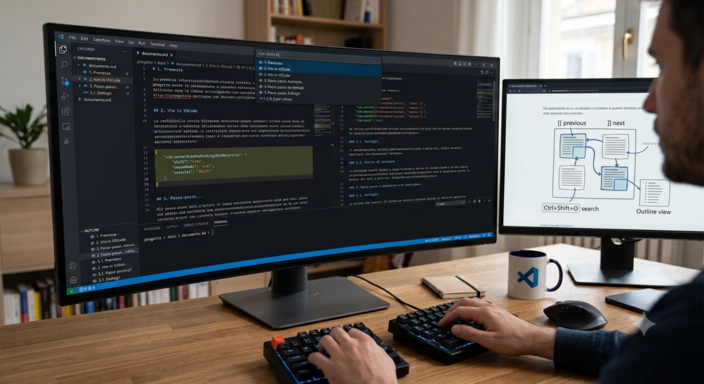
Markdown in VSCode, Vim emulation, and navigating between sections
- 1. Introduction
- 2. Vim in VSCode
- 3. Step-by-Step guide to entering the configuration
- 4. Native Navigation in VS Code: Go to Symbol / Title (
Ctrl + Shift + O) - 5. The Sidebar: “Outline” Panel
- 6. The Top Address Bar (Breadcrumbs)
- 7. Conclusions
1. Introduction
Visual Studio Code is an excellent editor for Markdown.
There are various built-in features in the editor that allow you to navigate quickly through the structure of Markdown documents.
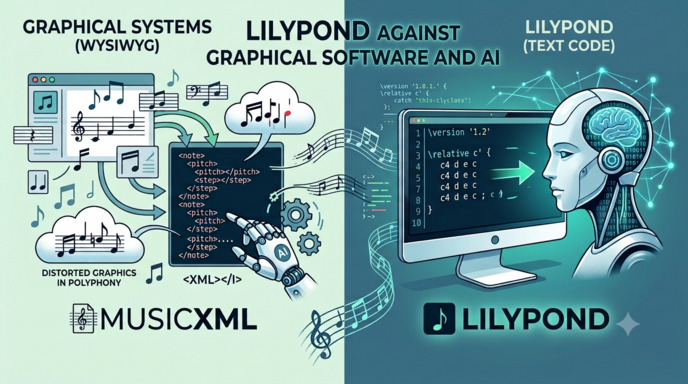
LilyPond, MusicXML and Artificial Intelligence
- 1. Writing Music: Why Artificial Intelligence Prefers LilyPond to Graphical Software
- 2. Graphics Software and the MusicXML Language
- 3. Is it possible to write sheet music directly in MusicXML?
- 4. Loss of Information During Conversion to MusicXML
- 5. Using Artificial Intelligence Systems Such as OCR
- 6. OCR Test for LilyPond and MusicXML
- 7. Another Attempt
- 8. In conclusion
1. Writing Music: Why Artificial Intelligence Prefers LilyPond to Graphical Software
In the world of digital music notation, there are two radically different approaches: on one hand, graphical (WYSIWYG) software such as MuseScore, Finale, and Sibelius; on the other, LilyPond, which is based entirely on plain text.
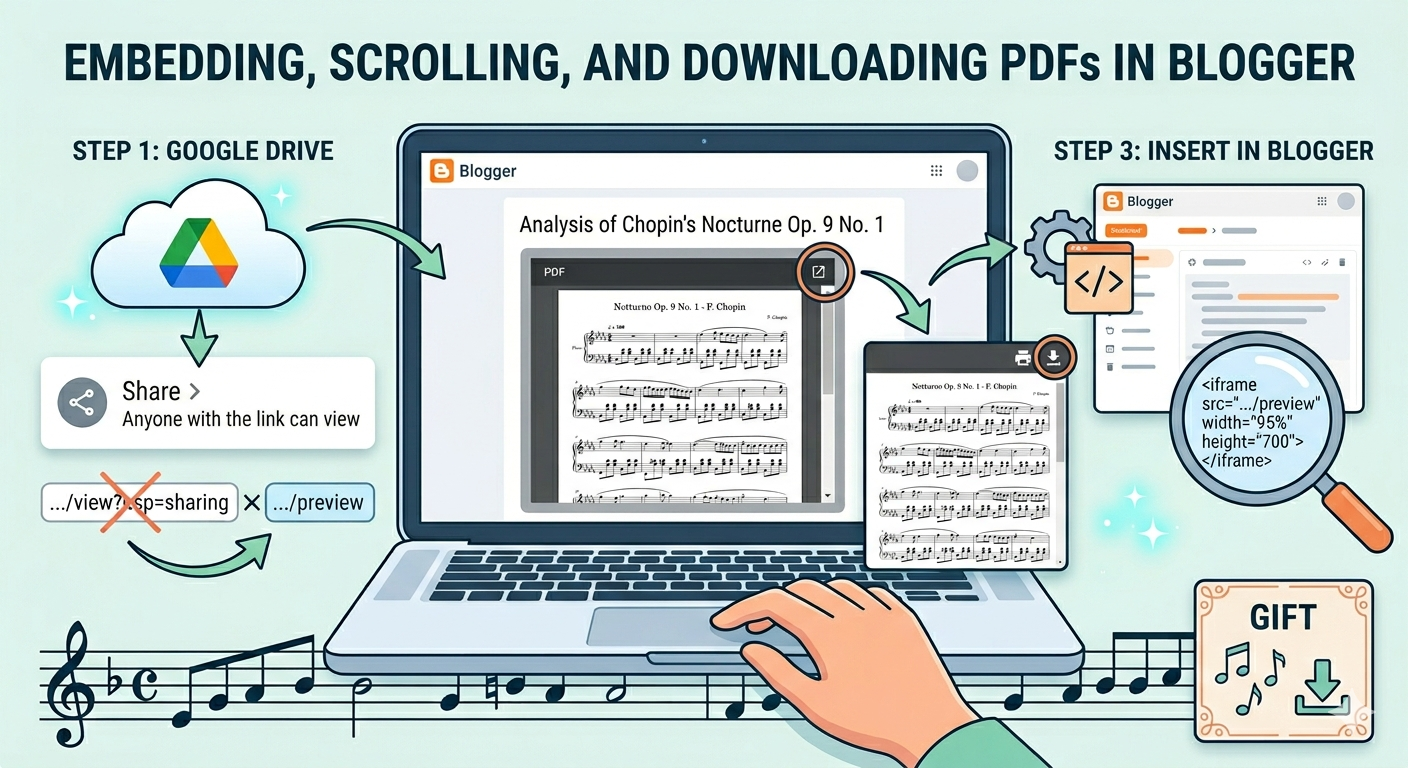
Blogger posts and PDFs that can be embedded, scrolled through, and downloaded
1. Blogger and Embedded PDFs
Is it possible to embed PDF documents in posts published on Blogger without using additional applications?
Perhaps with the ability to scroll through the embedded documents and download them locally?